
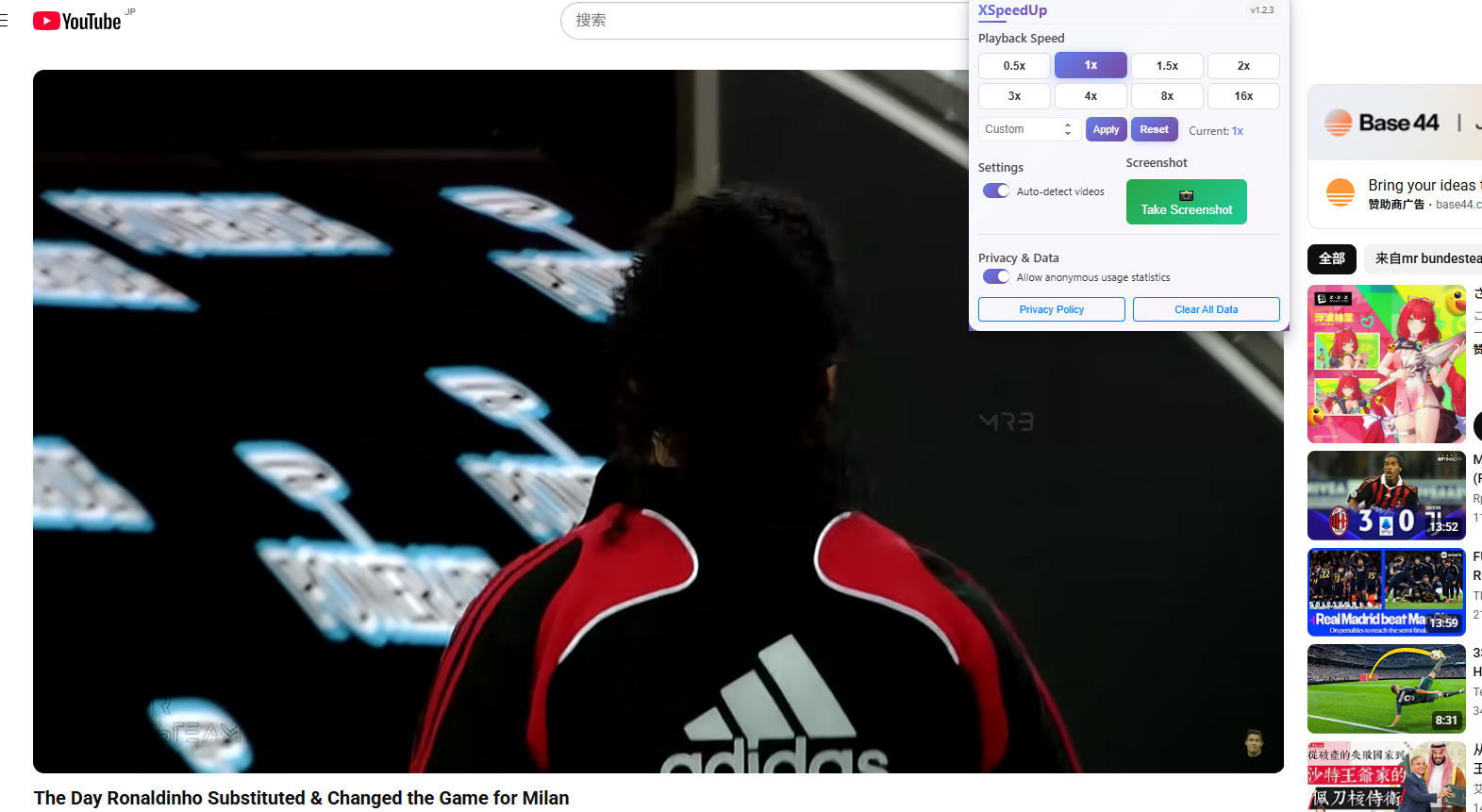
2025-09-22
ビデオ速度コントローラーチローム拡張機能の使用方法 - 完全ガイド
0.5倍から16倍までの再生速度を制御し、カスタムプリセットを作成し、任意のウェブサイトビデオでスクリーンショットをキャプチャする方法を学びましょう。
0.5x〜16xの精密な速度制御、カスタムプリセット、ワンクリックスクリーンショット。
 Chrome
 Firefox
 Edge
Edge

教育ビデオや講義を高速化
トレーニング資料を素早く確認
動画コンテンツを効率的に分析
様々な速度でリスニング練習
Experience the power of precise speed control
Chrome ウェブストア、Firefox アドオン、または Edge 拡張機能マーケットプレイスから拡張機能をダウンロードしてインストール
ブラウザのツールバーでXSpeedUpアイコンを見つけ、クリックしてコントロールパネルを開く
YouTube、Coursera、Udemyなど、HTML5動画のあるウェブサイトにアクセスして動画を再生開始
スライダーを使用して0.5x-16x速度を設定するか、スクリーンショットボタンをクリックして現在のフレームをキャプチャ
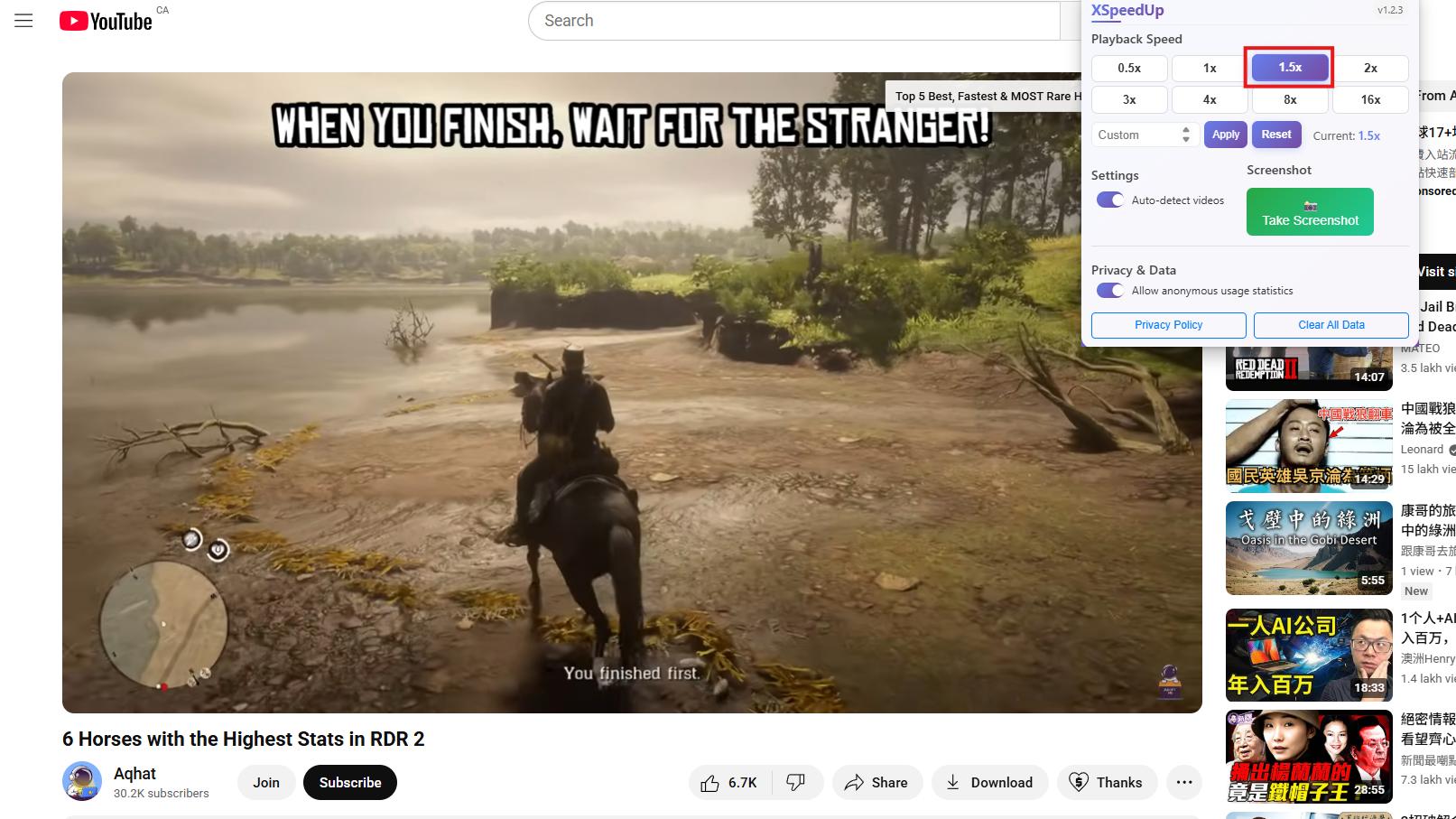
ワンクリックで高品質な動画スクリーンショットをキャプチャ。
0.5x-16x速度範囲で精密なカスタム速度設定
高品質な動画スクリーンショット、プライバシー保護のためローカル保存
YouTube、Coursera、Udemyなど、ほとんどの動画サイトで動作
データ収集なし、すべての操作をローカルで処理
0.5倍から16倍までの再生速度を制御し、カスタムプリセットを作成し、任意のウェブサイトビデオでスクリーンショットをキャプチャする方法を学びましょう。

Chrome用の無料video speed controllerをお探しですか?Xspeedup拡張機能をダウンロードして、オンライン動画を簡単に高速化・低速化し、ワンクリックでスクリーンショットを撮影しましょう。
HTML5ビデオのスムーズな速度制御。Xspeedup Chrome拡張機能で任意のWebサイトのビデオ再生速度を調整。
