
Tutorials
Learn how to control playback speed and take screenshots with XSpeedUp.
1) Open a page with an HTML5 video
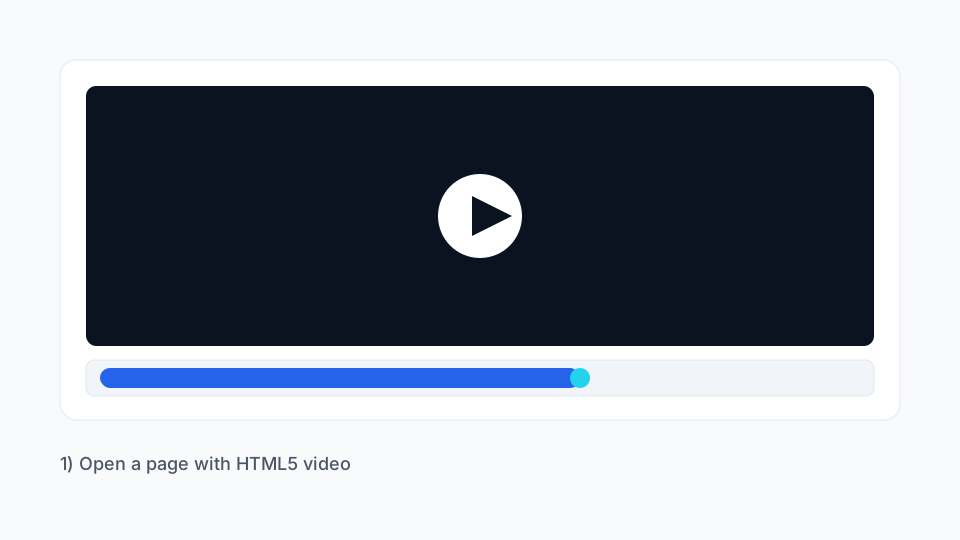
Tip: make sure the page has a playable HTML5 video element.
2) Adjust speed with slider or presets
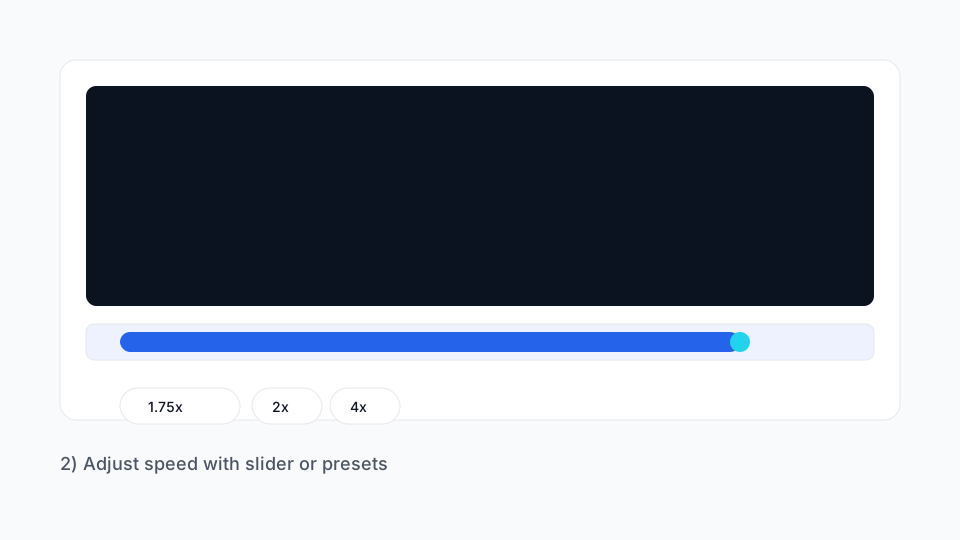
- Drag the slider to set speed from 0.5x to 16x.
- Tap a preset (1.75x / 2x / 4x).
- Or enter a custom value such as 2.25.
3) Take a screenshot
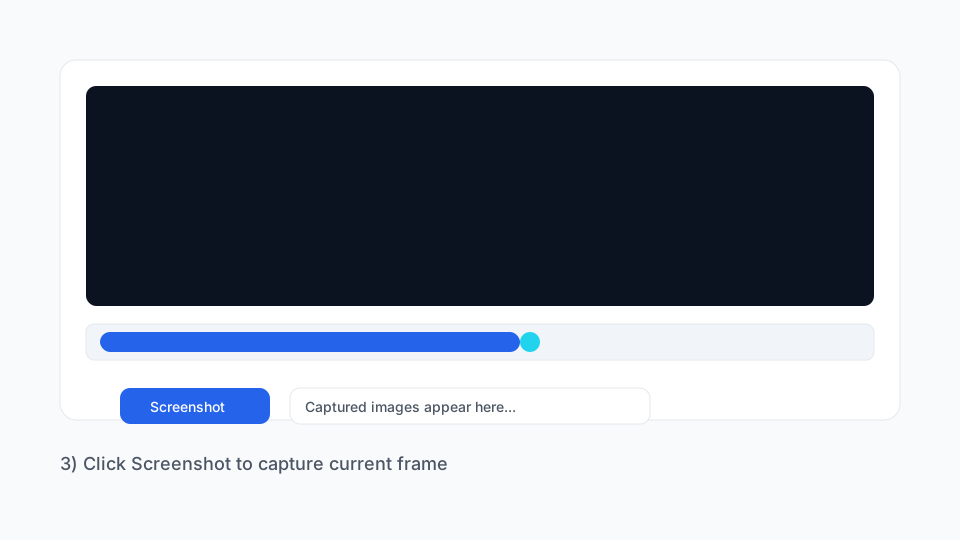
- Click “Screenshot” to capture the current frame.
- Captured images appear in the gallery; right‑click to save.
- Explore all features → /en/features/
- Get the extension → /en/download/